
Download Spy Lock – Secure Screen‑Locking & Hidden Camera App
Overview
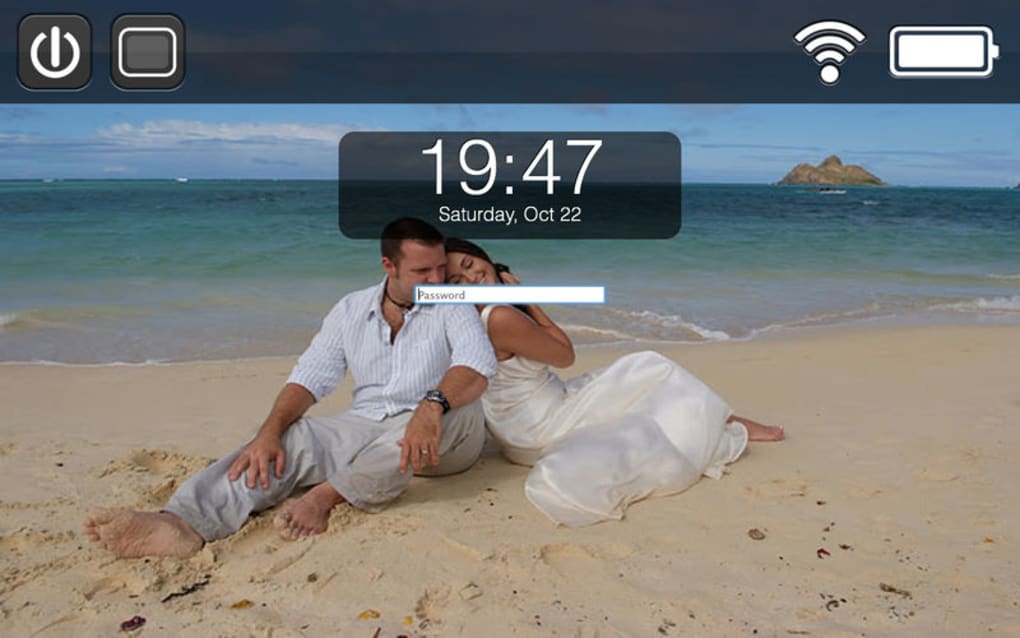
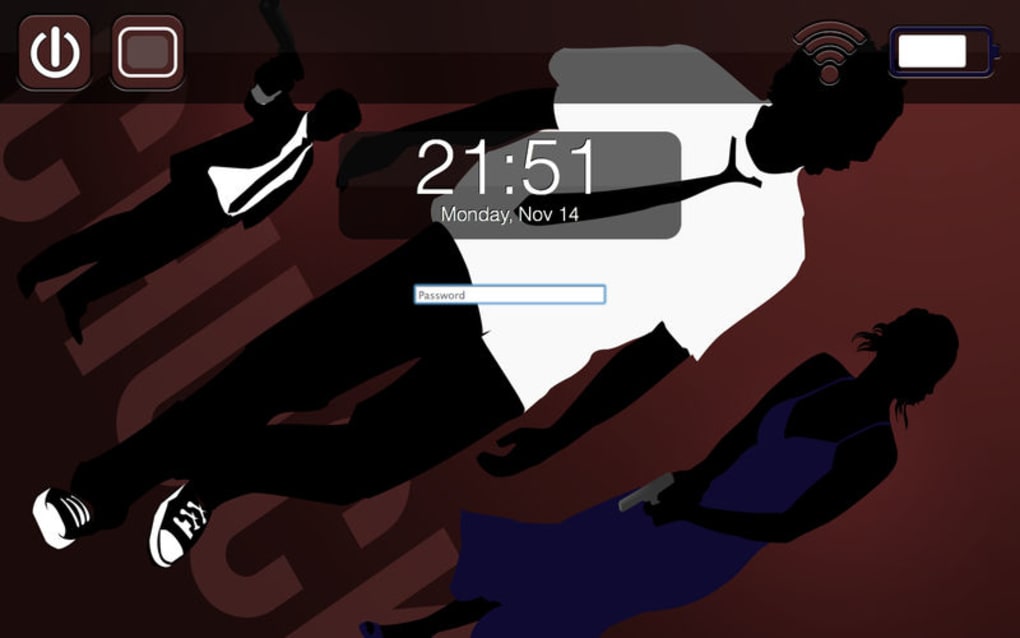
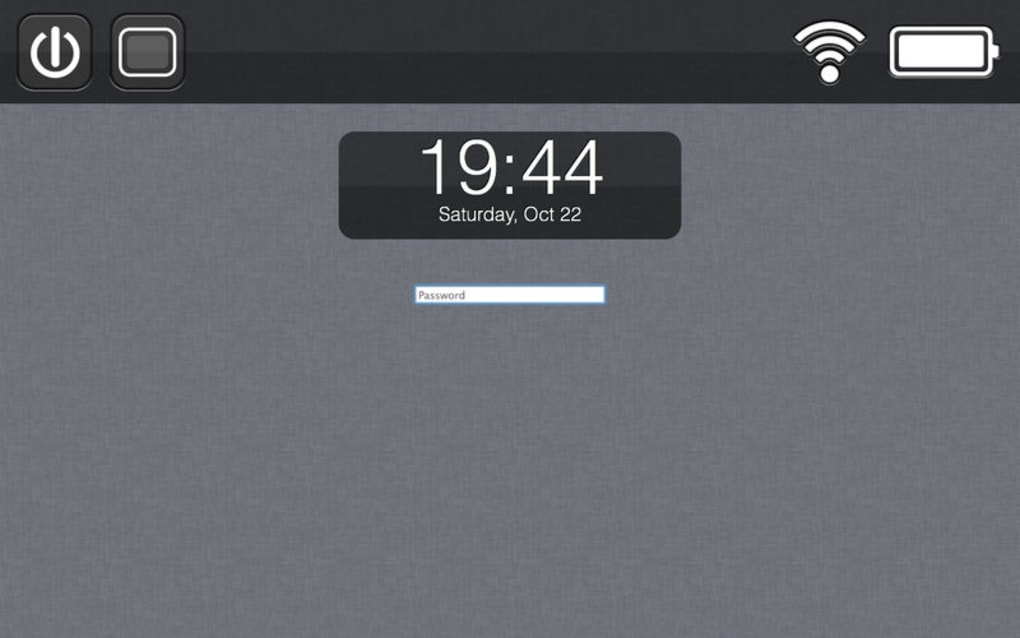
Spy Lock is a unique screen‑locking program that doubles as a covert surveillance tool. Designed for Android and iOS devices, it captures a photo each time an incorrect password is entered and can even record a short video clip whenever the lock screen appears. The app also bundles handy widgets such as a clock and battery indicator, but its core value lies in helping owners identify who is trying to access their phone while they are away. By turning every failed unlock attempt into visual evidence, Spy Lock promises to add an extra layer of security and peace of mind for users who frequently share their devices or suspect unauthorized use. While the concept is appealing, the execution brings a mixed bag of performance, storage impact, and uninstall challenges that merit a closer look before you decide to download this tool.
Key Features and How to Install
Feature List
- Instant photo capture on every failed password entry.
- Optional video recording when the lock screen is activated.
- Built‑in clock widget for quick time checks.
- Battery level widget to monitor power status at a glance.
- Customizable notification settings for photo/video alerts.
- Secure local storage with optional cloud backup.
- Support for multiple lock‑screen themes.
Installation & Usage Instructions
Installing Spy Lock is straightforward for most Android users. Begin by downloading the APK file from the official website or a trusted app marketplace. Once the file is on your device, enable “Install from unknown sources” in the security settings, then tap the APK to launch the installer. Follow the on‑screen prompts, grant camera and storage permissions, and the app will appear in your app drawer.
After the initial launch, you’ll be guided through a short setup wizard. Here you can decide whether you want the app to capture photos only, record videos, or do both. You’ll also set the number of failed attempts that trigger a capture and choose a folder where the media will be saved. For iOS devices, Spy Lock is distributed via TestFlight, requiring an invitation link from the developer; the process mirrors the Android flow but adheres to Apple’s stricter permission model.
Once configured, the app runs silently in the background. Whenever someone types an incorrect PIN, pattern, or password, the front‑facing camera snaps a picture and saves it with a timestamp. If video mode is active, a 5‑second clip is recorded each time the lock screen appears. Users can view the captured media through the built‑in gallery or export it to a PC for deeper analysis. Remember to periodically clear the storage folder, as continuous video recording can quickly consume gigabytes of space and drain the battery.
Compatibility, Pros & Cons
Supported Operating Systems
Spy Lock is officially compatible with Android 7.0 and above, and iOS 13 through 16 (via TestFlight). The app leverages native camera APIs, so devices without a front‑facing camera will still capture photos using the rear lens, though this may affect stealth. Low‑end smartphones may experience slower launch times and occasional lag during video recording due to limited processing power.
Pros
- Provides undeniable visual evidence of unauthorized access attempts.
- Easy initial setup with clear step‑by‑step guidance.
- Customizable capture triggers let you fine‑tune privacy vs. storage usage.
- Additional widgets (clock, battery) add modest utility without clutter.
- Local encryption keeps captured media private unless you opt for cloud backup.
Cons
- Video mode generates large “empty” clips, rapidly filling storage and draining battery.
- Uninstall process is cumbersome; remnants often remain in system folders.
- Requires manual permission adjustments on newer Android versions (Scoped Storage).
- Limited support for iOS—only available through a beta testing program.
- Potential privacy concerns if the app is misused on shared devices.
Overall, Spy Lock delivers on its promise to capture unauthorized access attempts, but the trade‑offs in storage consumption and uninstall difficulty make it a niche solution best suited for users who truly need constant surveillance on their device.
Frequently Asked Questions
Can Spy Lock run silently without visible icons?
Yes. After installation you can hide the app icon using a launcher that supports hidden apps, or disable the launcher shortcut while keeping the background service active.
How much storage does the video mode typically use?
A single 5‑second clip averages 8‑12 MB, depending on resolution. Continuous lock‑screen triggers can quickly accumulate hundreds of megabytes in a day.
Is it possible to export captured media automatically to the cloud?
The app includes optional integration with Google Drive or Dropbox. You must enable the feature in settings and provide the necessary API credentials.
Will Spy Lock affect my device’s battery life?
Yes. The camera and background service consume additional power. In video mode, battery drain can increase by 5‑10 % per day, especially on older phones.
How do I completely remove Spy Lock if I change my mind?
A full uninstall requires deleting the app, clearing its data, and manually removing leftover folders from /Android/data/com.spylock. On rooted devices you may also need to delete registry entries; otherwise a factory reset is the safest way.
Conclusion & Call to Action
Spy Lock offers a compelling blend of security and covert monitoring, making it attractive for users who frequently lend their phones or worry about snooping friends. Its ability to capture photos on failed unlock attempts provides concrete evidence that can deter future intrusions. However, the app’s propensity to fill storage with empty video clips, the noticeable impact on battery life, and the notoriously stubborn uninstall process mean it isn’t a universal solution. If you’re comfortable managing the extra storage and are prepared to handle the removal steps, Spy Lock can be a valuable addition to your privacy toolkit.
Ready to see who’s trying to get into your device? Download Spy Lock now and start securing your phone with visual proof today.







